

Prepare a homeowner list for export by filtering the right records, reviewing contact data, organizing fields and statuses, then selecting the final prospects before you download the file.
CSV preparation is the last quality gate: prospect-list cleanup, status checks, and enrichment on the segment you will touch. Campaign-ready data leaves the app only after that review. Use Territory filters so the export matches the campaign—not the entire raw pull.
How to do it
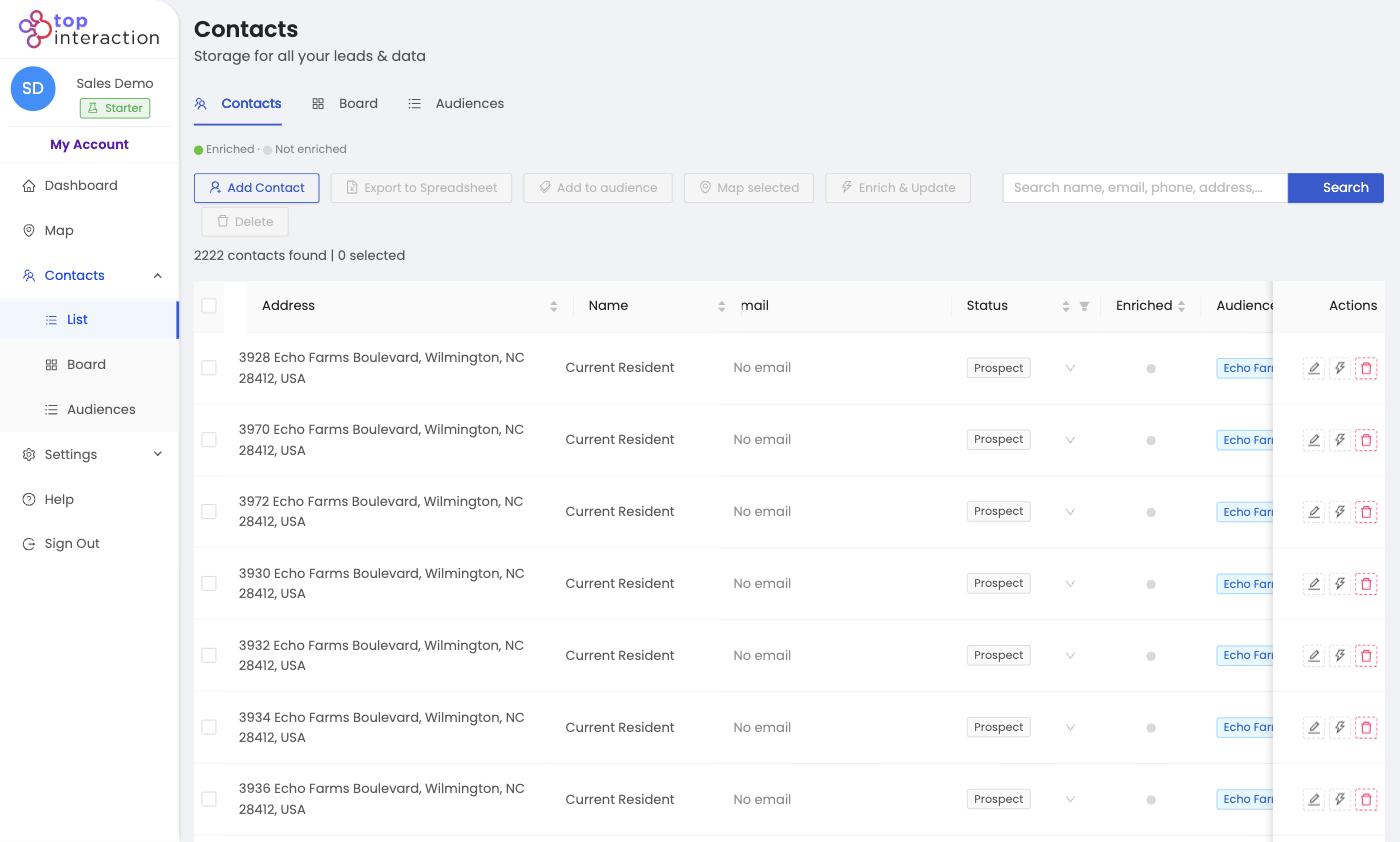
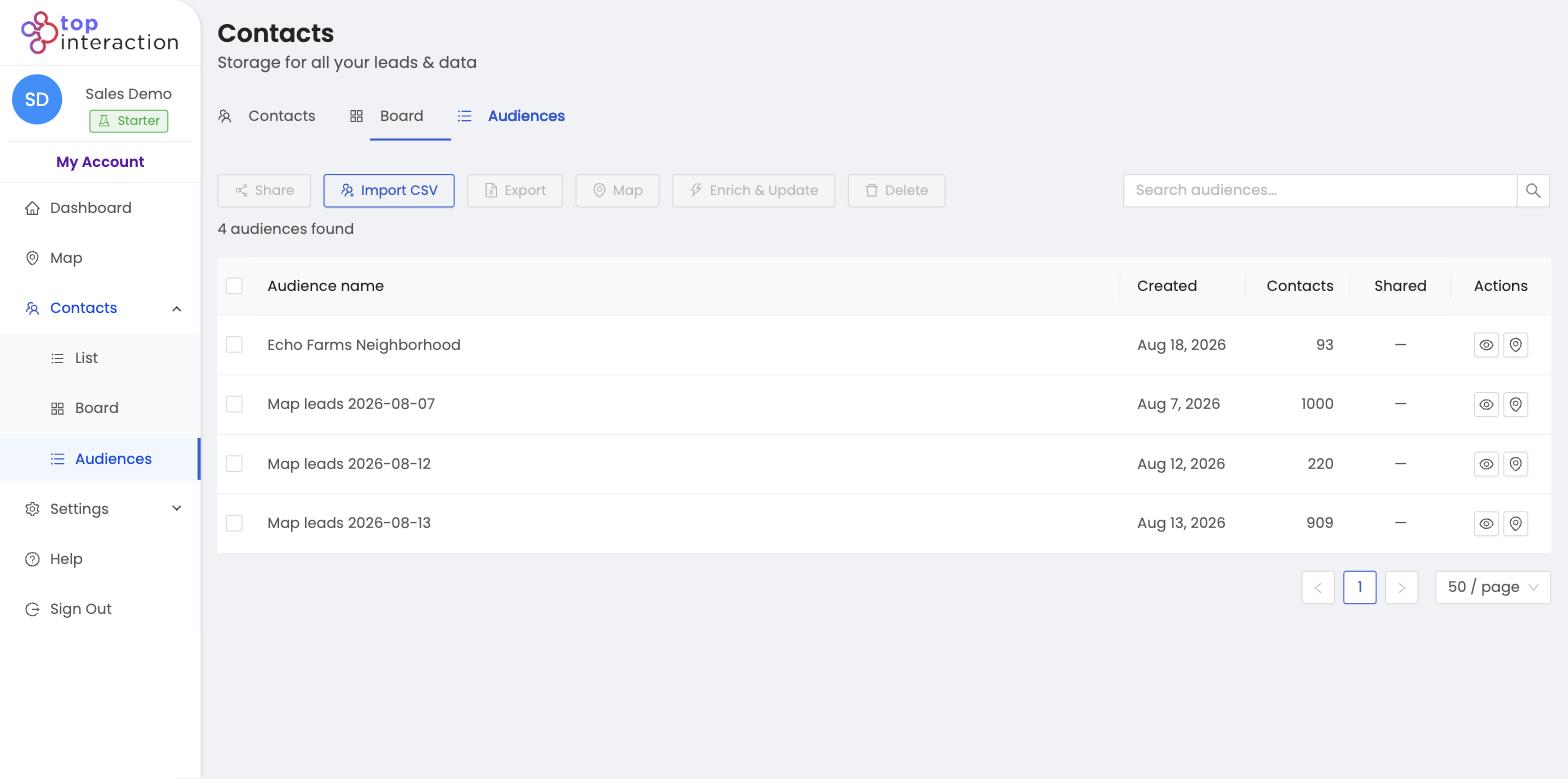
- Open the audience (or filter List View) you want to export.
- Use search, filters, and statuses to remove anything off-target.
- Run Enrich & Update on the contacts you’ll actually reach out to.
- Do a final scan for obvious junk or out-of-area rows.
- Click Export to Spreadsheet to download the finished CSV.
See it in action
FAQ
Why not just export the raw pull?
You can — but a filtered, enriched file saves your crew or mail house from cleaning it, and avoids wasted touches.
Should I enrich before or after filtering?
Filter first, then enrich only what remains — that spends credits only on contacts you’ll actually work.
What format is the export?
A CSV that opens in Excel, Google Sheets, or imports into most CRMs and mailers.
