

Yes — map-based prospecting turns a selected neighborhood or sales territory into an organized geographic contact list you can save, enrich, and export.
Map prospecting starts on the map, not in a spreadsheet. Select the area, review the homes inside it, and save a geographic contact list for outreach. That is the core of map-based prospecting: a territory becomes the contact list, ready for filtering, enrichment, and export.
How to do it
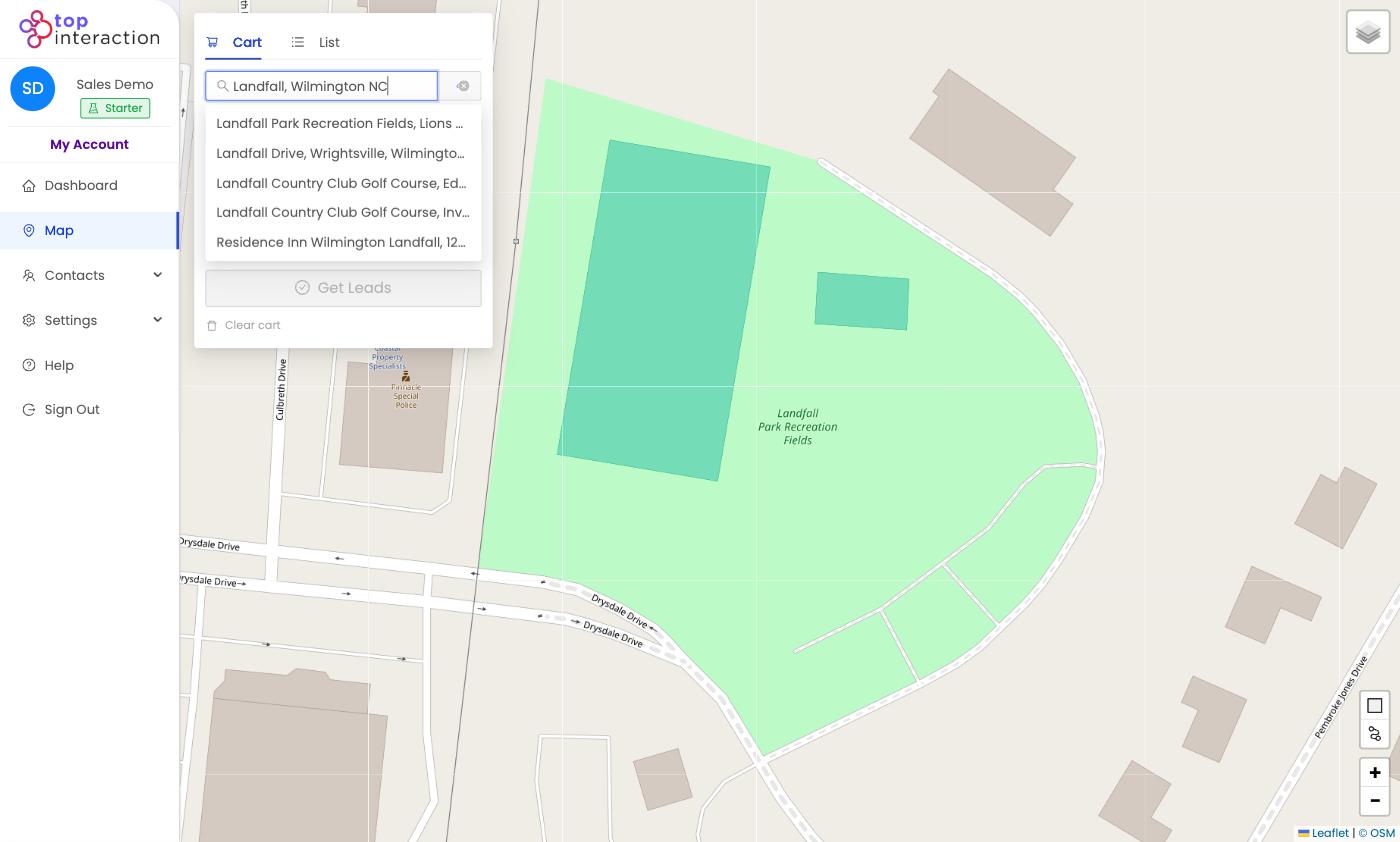
- Go to Map and type a city, ZIP, street, or landmark in the address search.
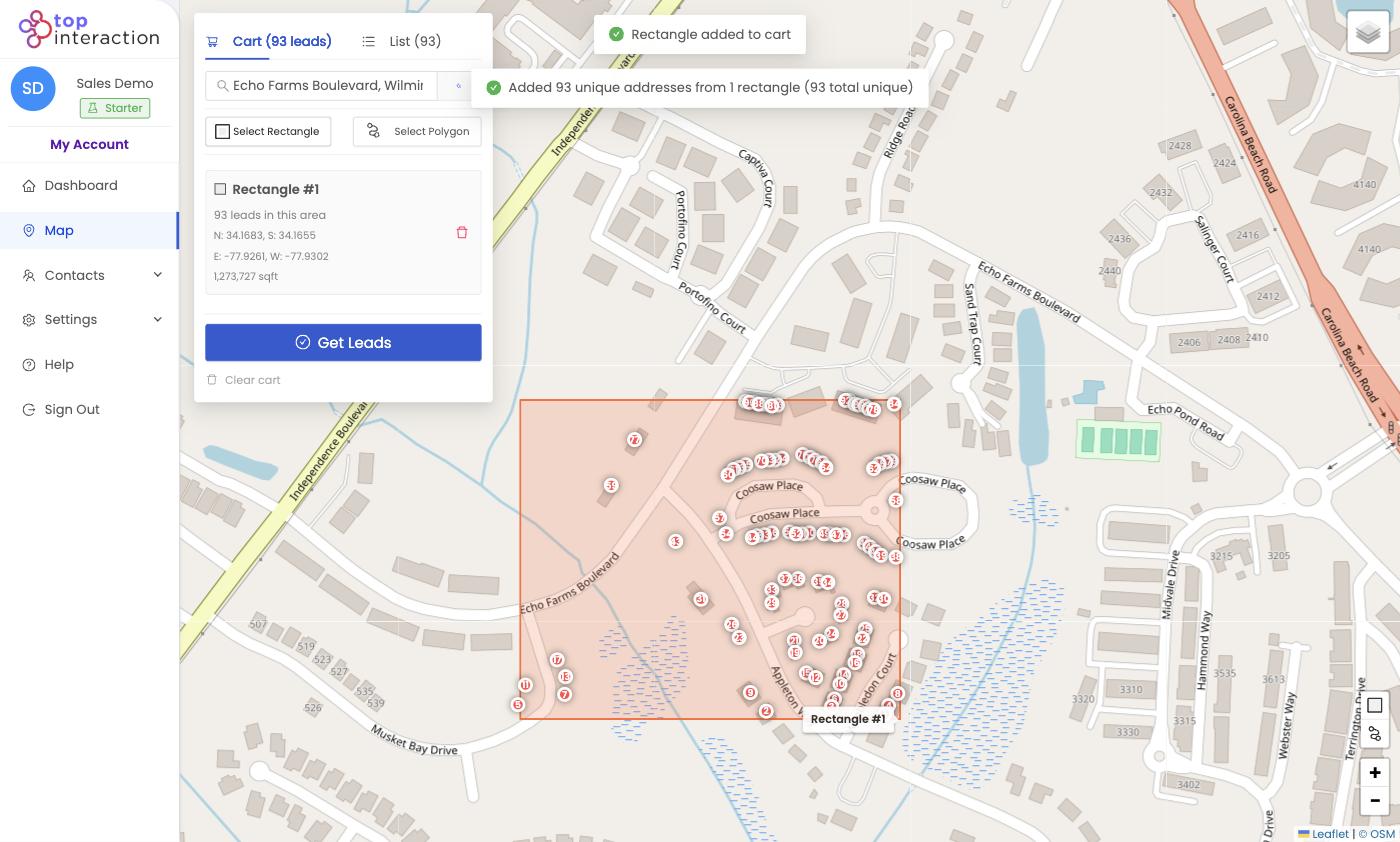
- Choose Select Rectangle for a quick block, or Select Polygon to trace an exact boundary.
- Draw the area. Territory shows a live count and pins each address.
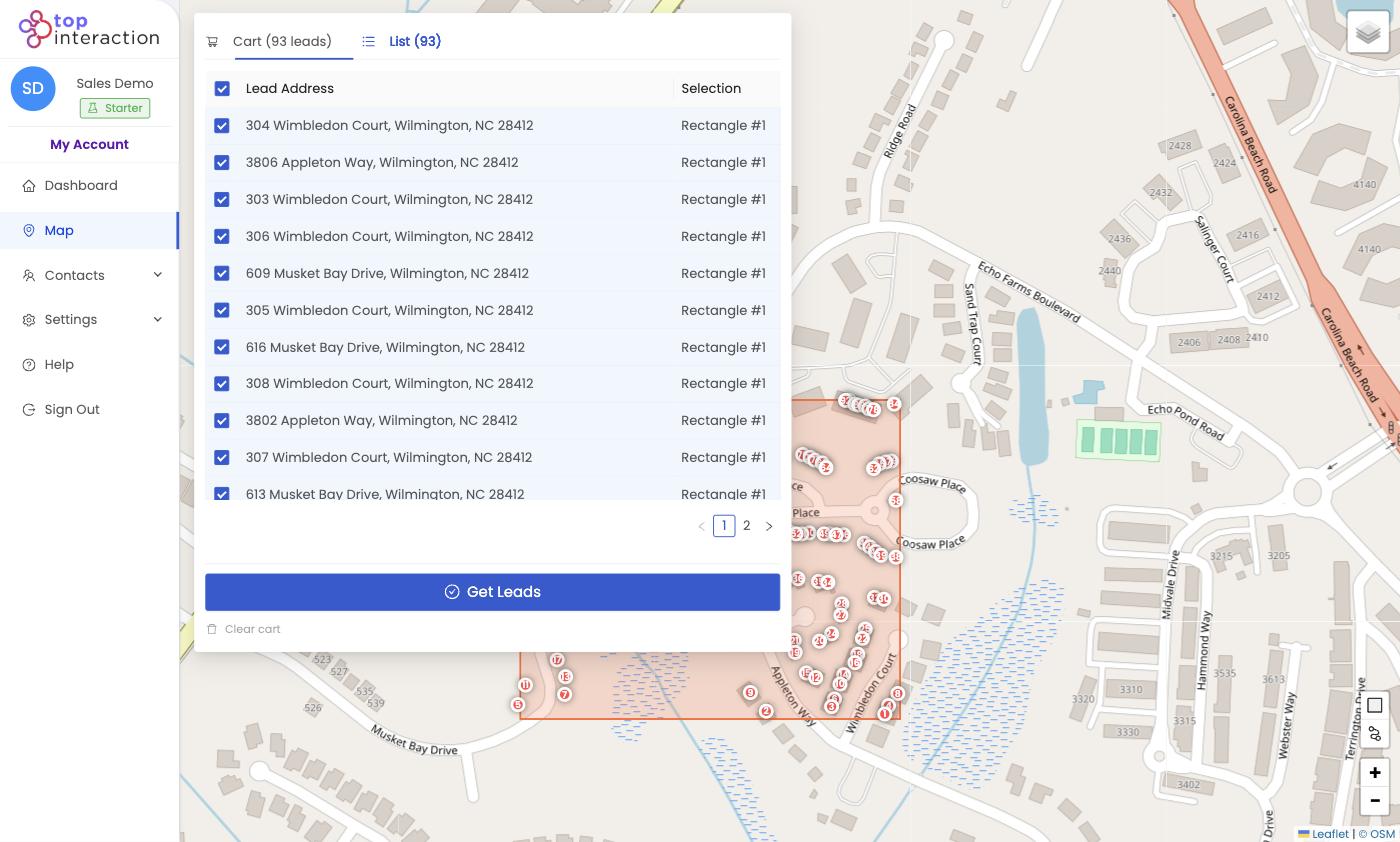
- Use the List tab to review and deselect anything you don’t want.
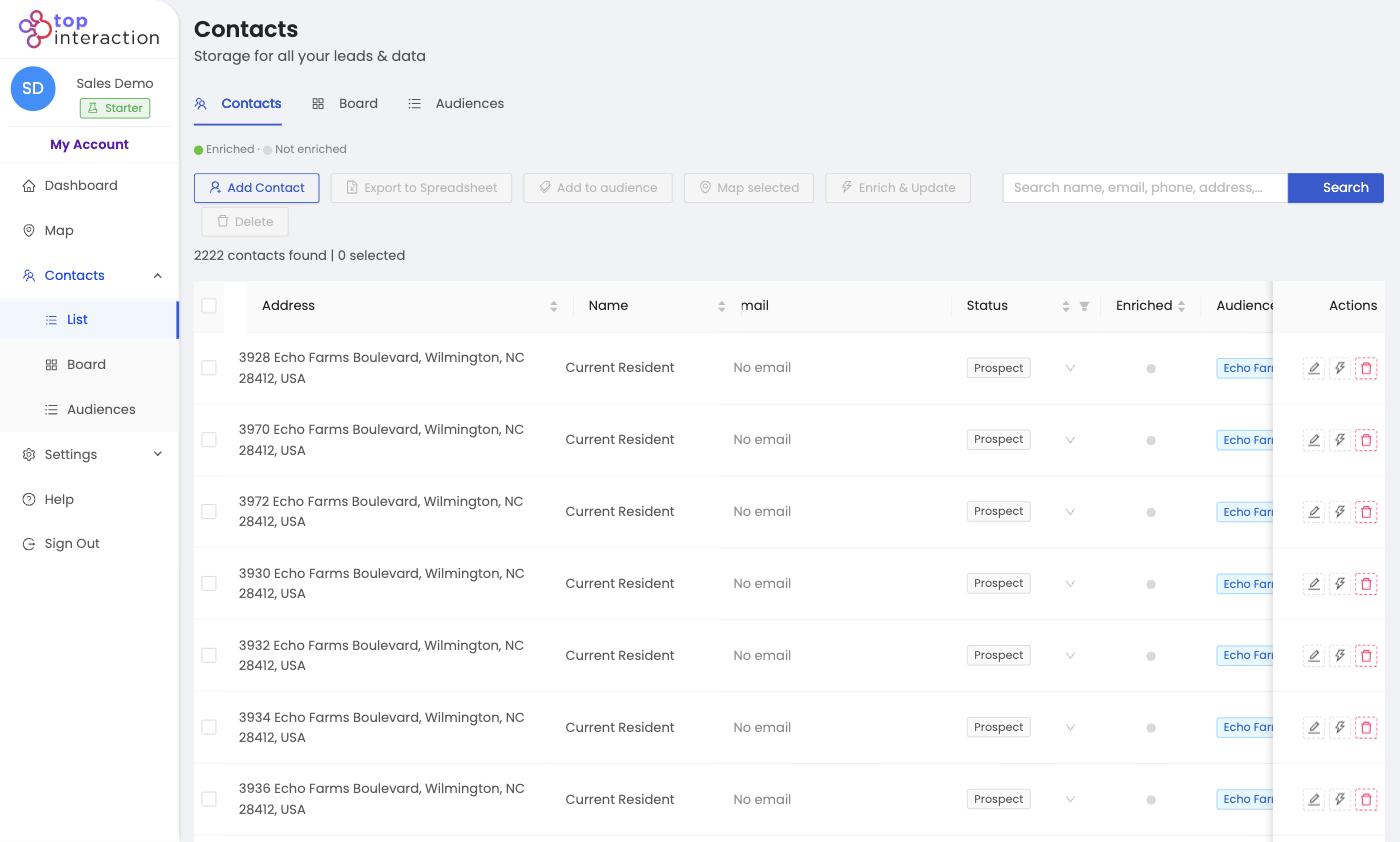
- Click Get Leads, name the list, and Confirm order — the contacts appear in Contacts, tagged as an audience.
See it in action
FAQ
What information comes with each contact?
A standardized mailing address and full geospatial data for every property. Owner and resident details can be added with Enrich & Update.
Can I save the list for later?
Yes. Naming it on the Get Leads screen creates an Audience you can reopen, filter, export, or map again anytime.
Does drawing an area cost anything?
No — drawing and previewing are free. You only use export credits when you click Get Leads and confirm.
