

A roofing canvassing list is built by choosing the streets your team wants to work, identifying the homes inside that territory, and organizing the homeowner records for outreach.
Roofing door knocking works best with complete street coverage—not scattered roofing leads. Trace the neighborhood, pull the homeowner canvassing records, and hand your team a walkable list. Territory is built for that map-to-list flow so crews can work the area without gaps.
How to do it
- Open Map and search the neighborhood or storm area you want to canvass.
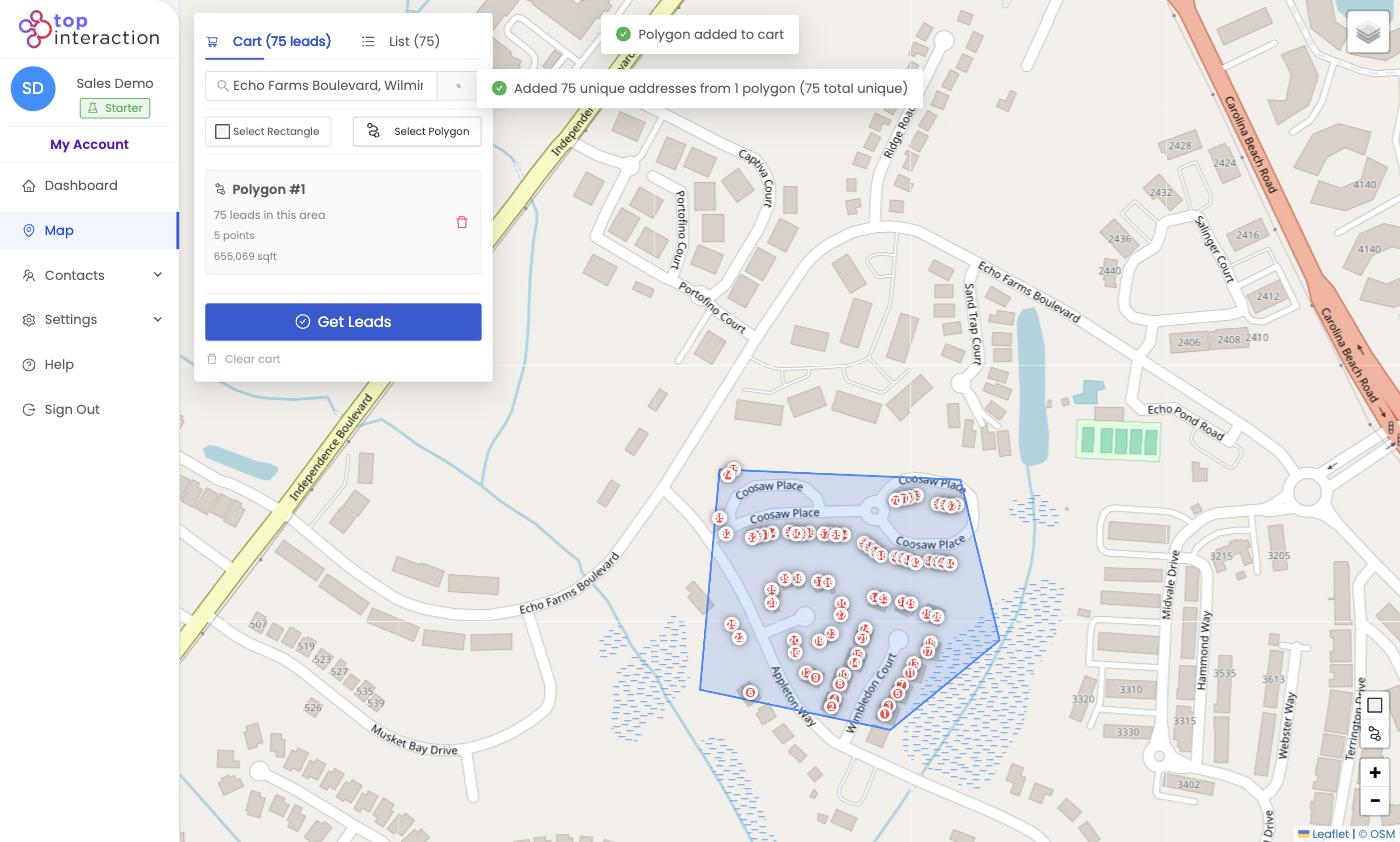
- Click Select Polygon, then click around the boundary of the subdivision — one point at a time — following the streets that enclose it.
- Click Finish Polygon. Territory drops a pin on every home inside and shows the count.
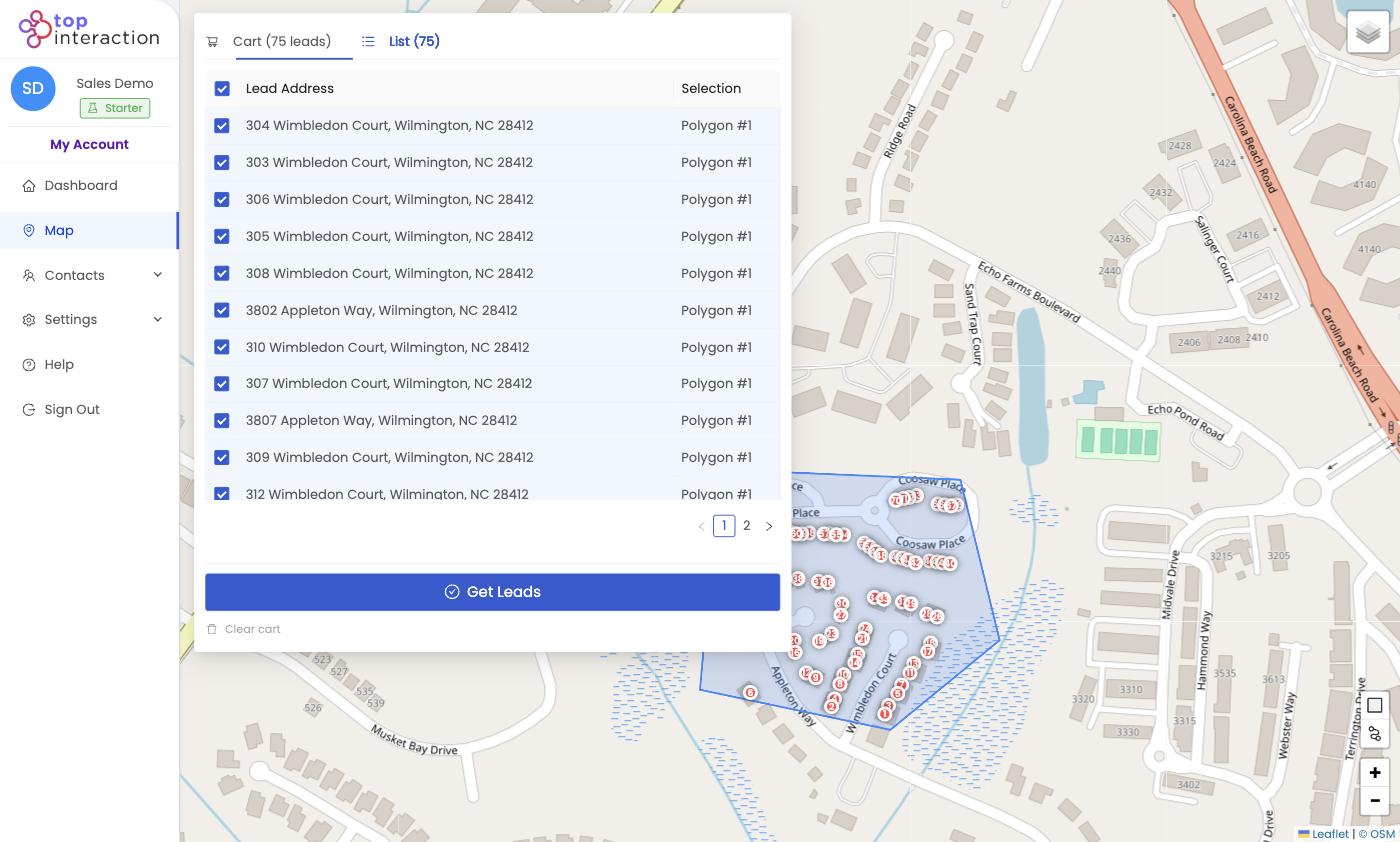
- Open the List tab to review addresses; uncheck any streets outside your route.
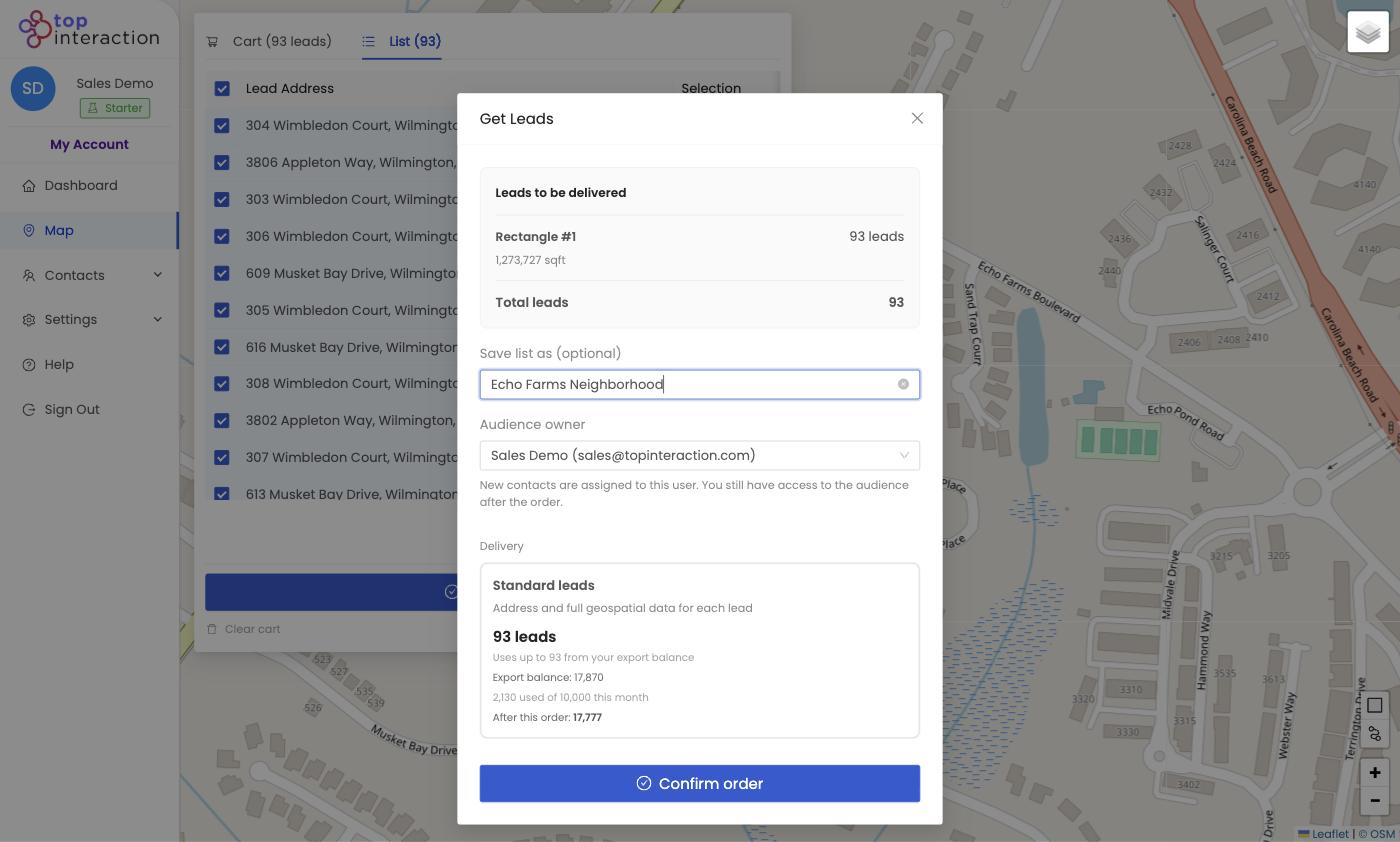
- Click Get Leads, name the list (e.g. “Elm St hail — June”), and Confirm order.
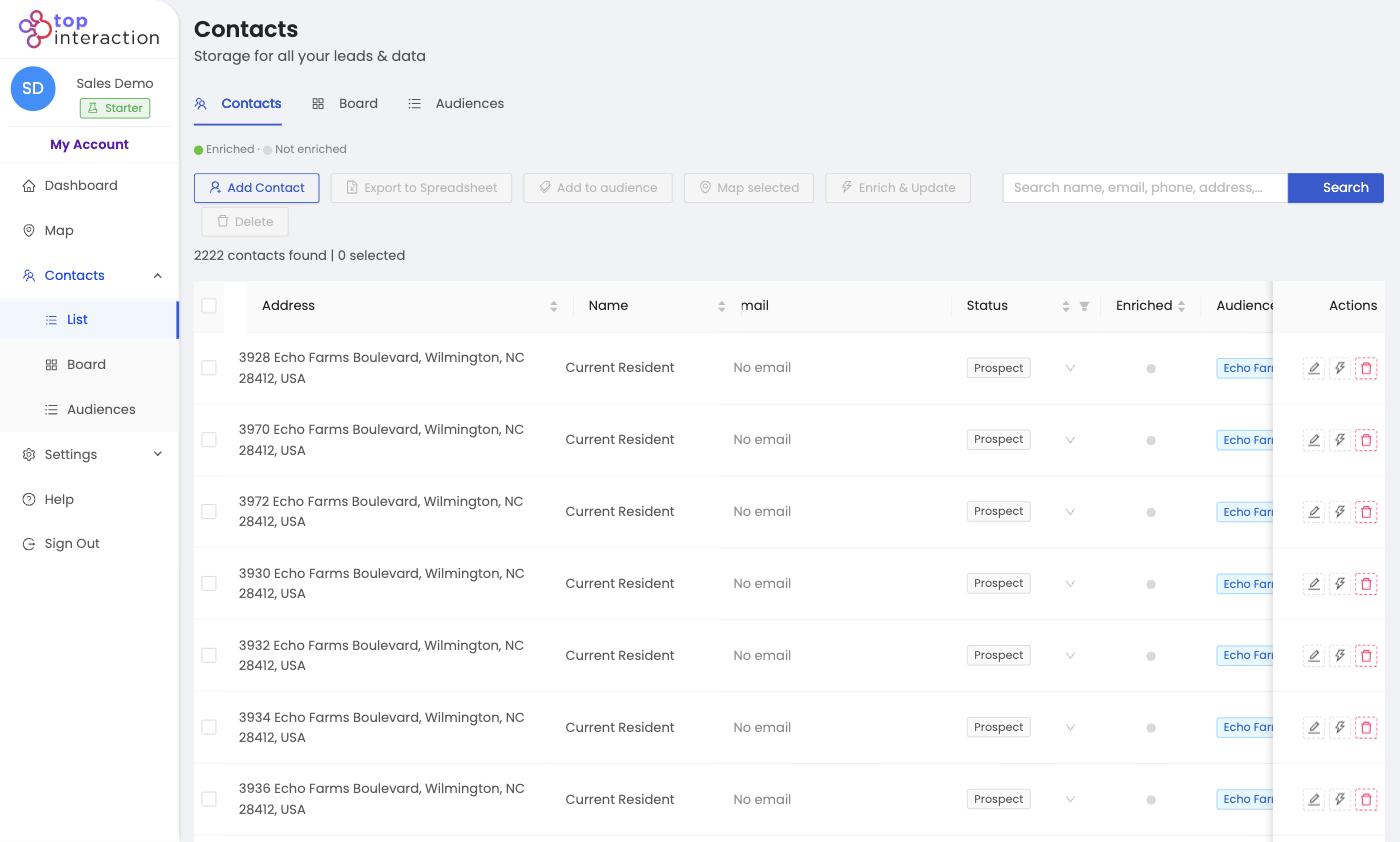
- In Contacts, open the saved audience and Export to Spreadsheet to hand your crew a printable door list.
See it in action
FAQ
Why use Polygon instead of Rectangle for roofing?
Storm damage and real neighborhoods follow curves and cul-de-sacs, not squares. Polygon lets you trace the exact affected streets.
Can I split one neighborhood among several reps?
Yes — draw a separate polygon for each rep’s section and name each list. Each becomes its own audience you can export individually.
Do the contacts include names?
Addresses come in as “Current Resident” by default. Use Enrich & Update to append owner details where available.
How many doors can I pull at once?
As many as fall inside your shape, up to your plan’s export balance. The confirm screen always shows the cost and remaining balance.
