

You organize thousands of homeowner contacts by keeping one audience per territory, using tags and filters for contact segmentation, and tracking progress with statuses and board stages instead of scattered spreadsheets.
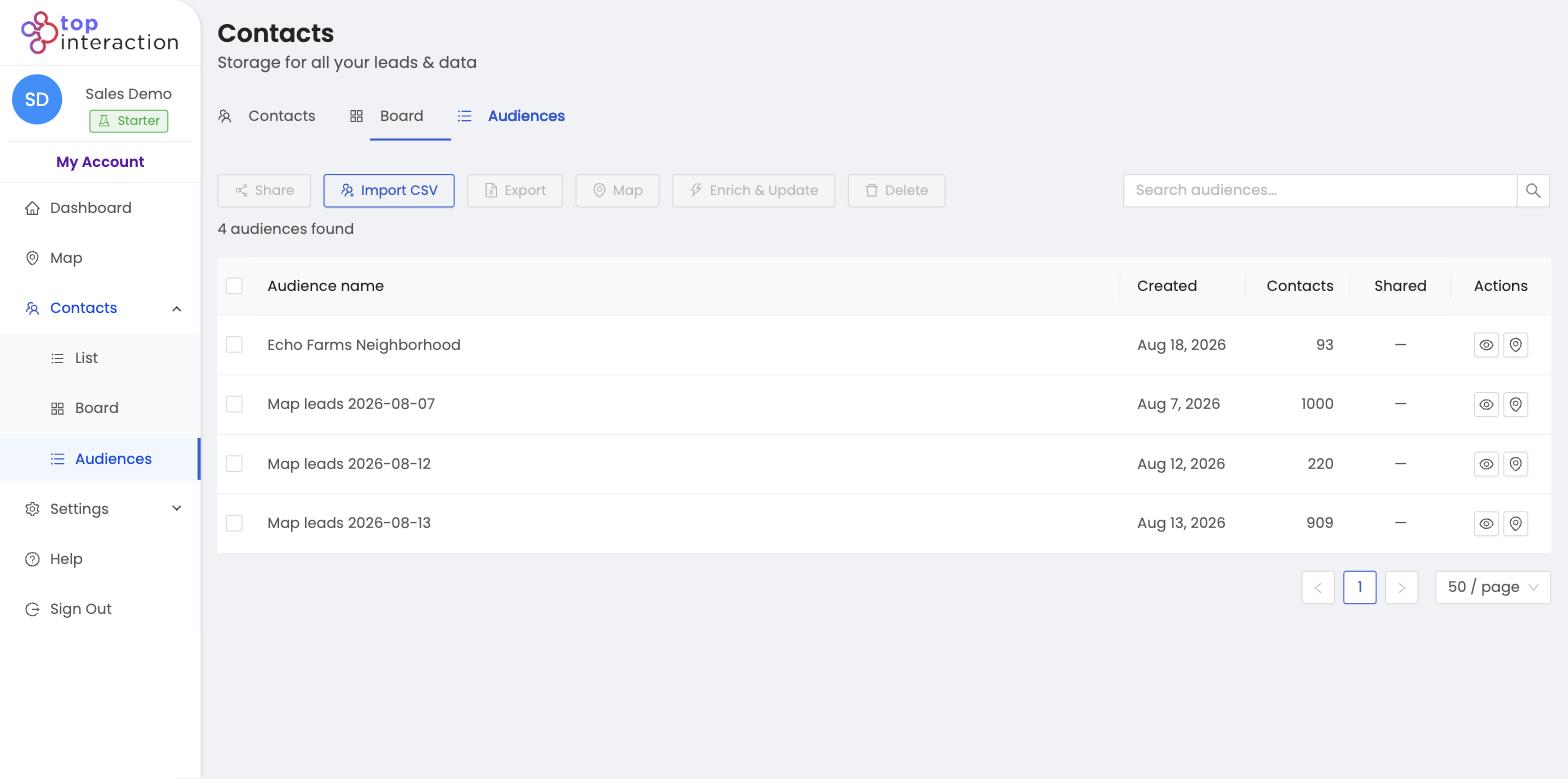
Homeowner database management at volume needs structure: territories as audiences, contact segmentation with tags and filters, and a prospect database that stays searchable. Drop the spreadsheet pile and keep everything in Territory so exports and enrichment stay tied to the right list.
Keep scale manageable
- Audiences — never one giant pile; each territory is its own named list.
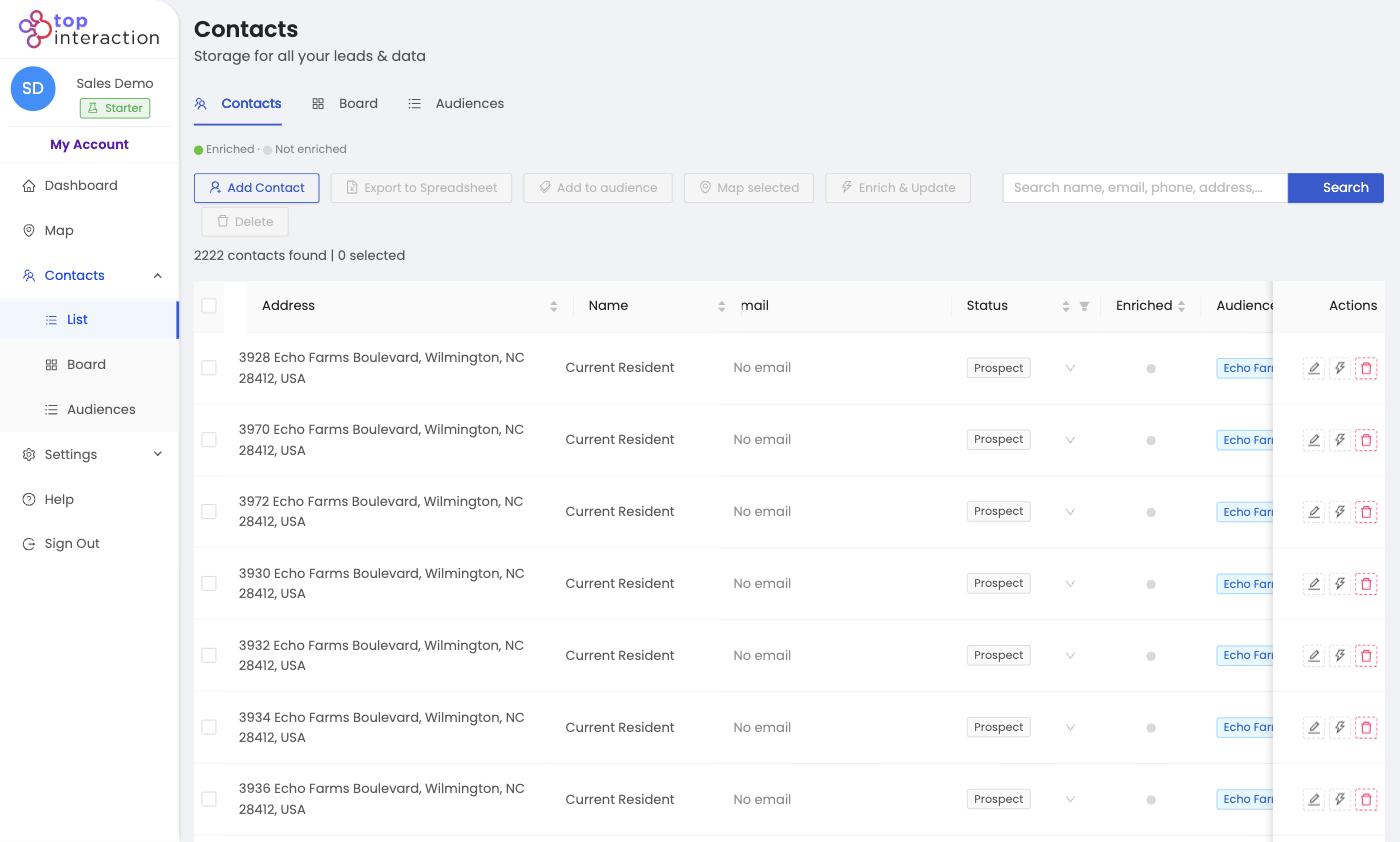
- Search & filters — jump to any name, address, or status in List View instantly.
- Statuses — track who’s been worked so progress is visible across thousands of rows.
- Pagination & page size — page through large sets without the app bogging down.
A scalable routine
Work one audience at a time, filter to the active segment, update statuses as you go, and export or enrich only what you need. The pile never has to be tackled all at once.
See it in action
FAQ
Will the app slow down with thousands of contacts?
No — List View paginates and filters server-side, so you work a slice at a time.
How should I group them?
By territory is the most common — one audience per neighborhood, campaign, or rep.
Can I bulk-act on a big selection?
Yes — select across a filtered view to export, enrich, or add to an audience in one action.
