

You build a roofing storm-response territory by tracing the damage path on the map, pulling every home inside it, organizing the properties, and assigning prospects for focused outreach while demand is high.
Storm canvassing moves fast: storm roofing leads go cold if the list is incomplete. Draw the swath, save the audience, and run storm-response prospecting with clear ownership. Use build your first territory on the damage path so the whole team works one shared list.
How to do it
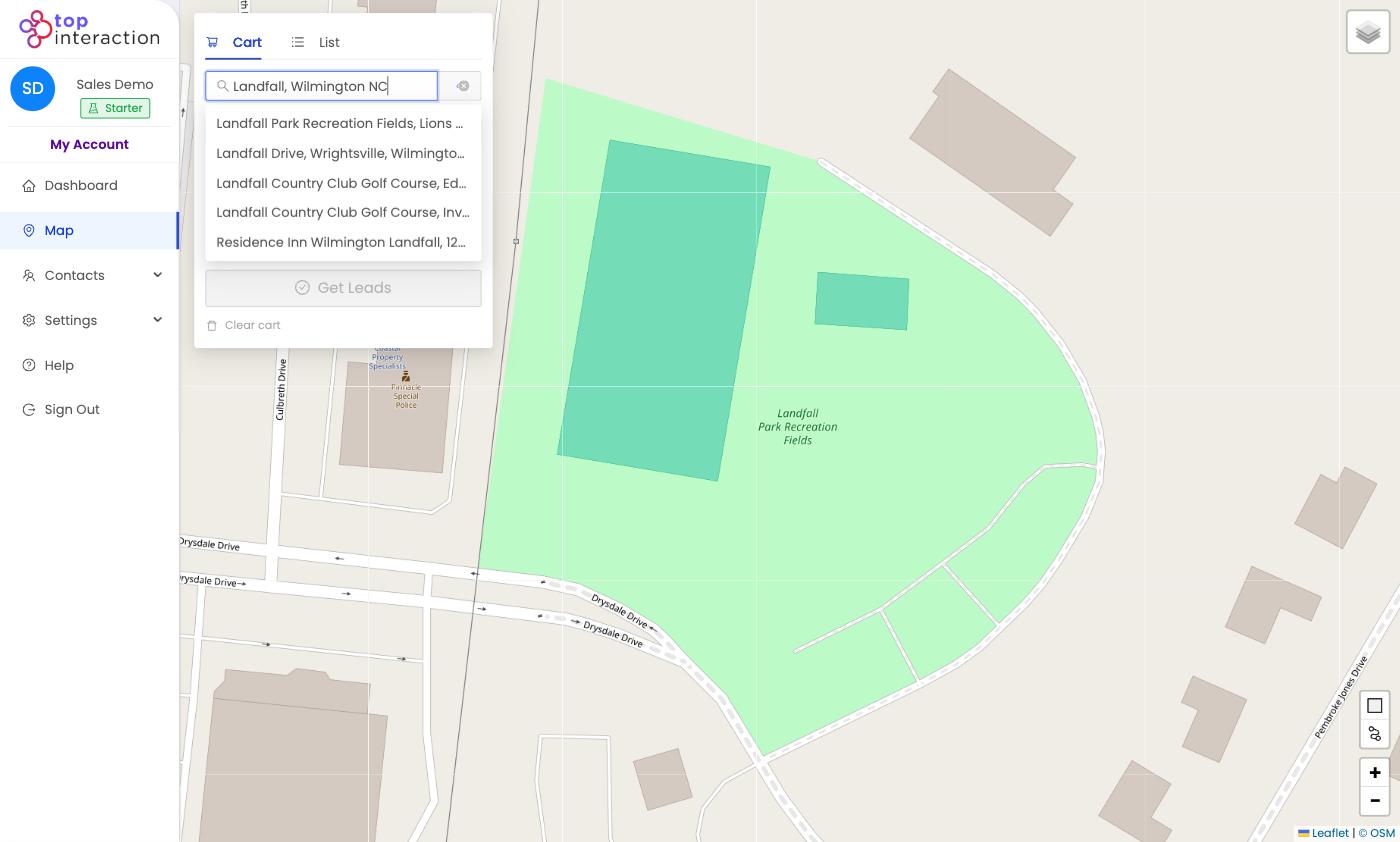
- On the Map, search the town or neighborhood the storm affected.
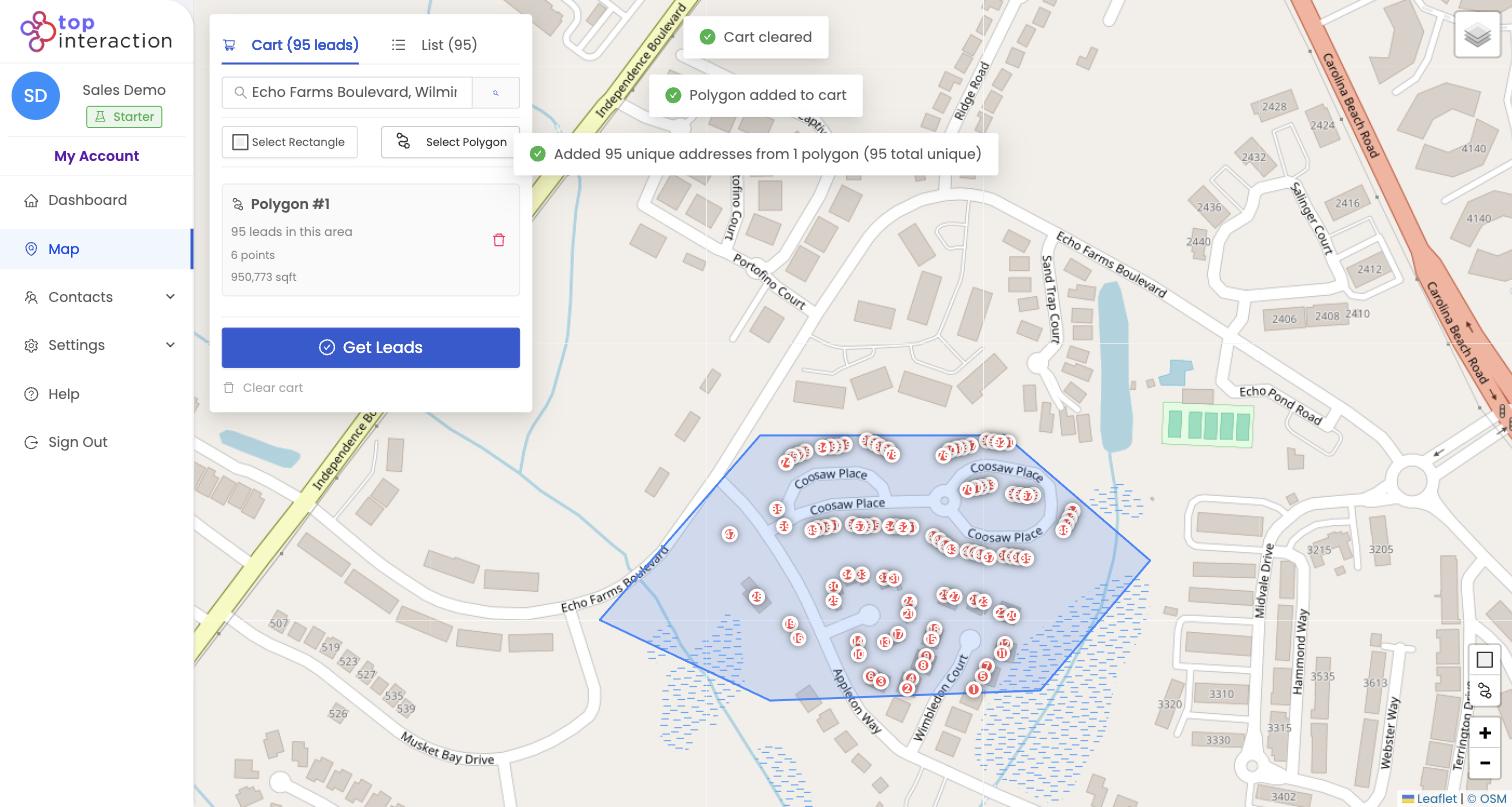
- Use Select Polygon to trace the damage path — storms rarely follow neat rectangles.
- Click Finish Polygon; Territory captures every home inside the swath.
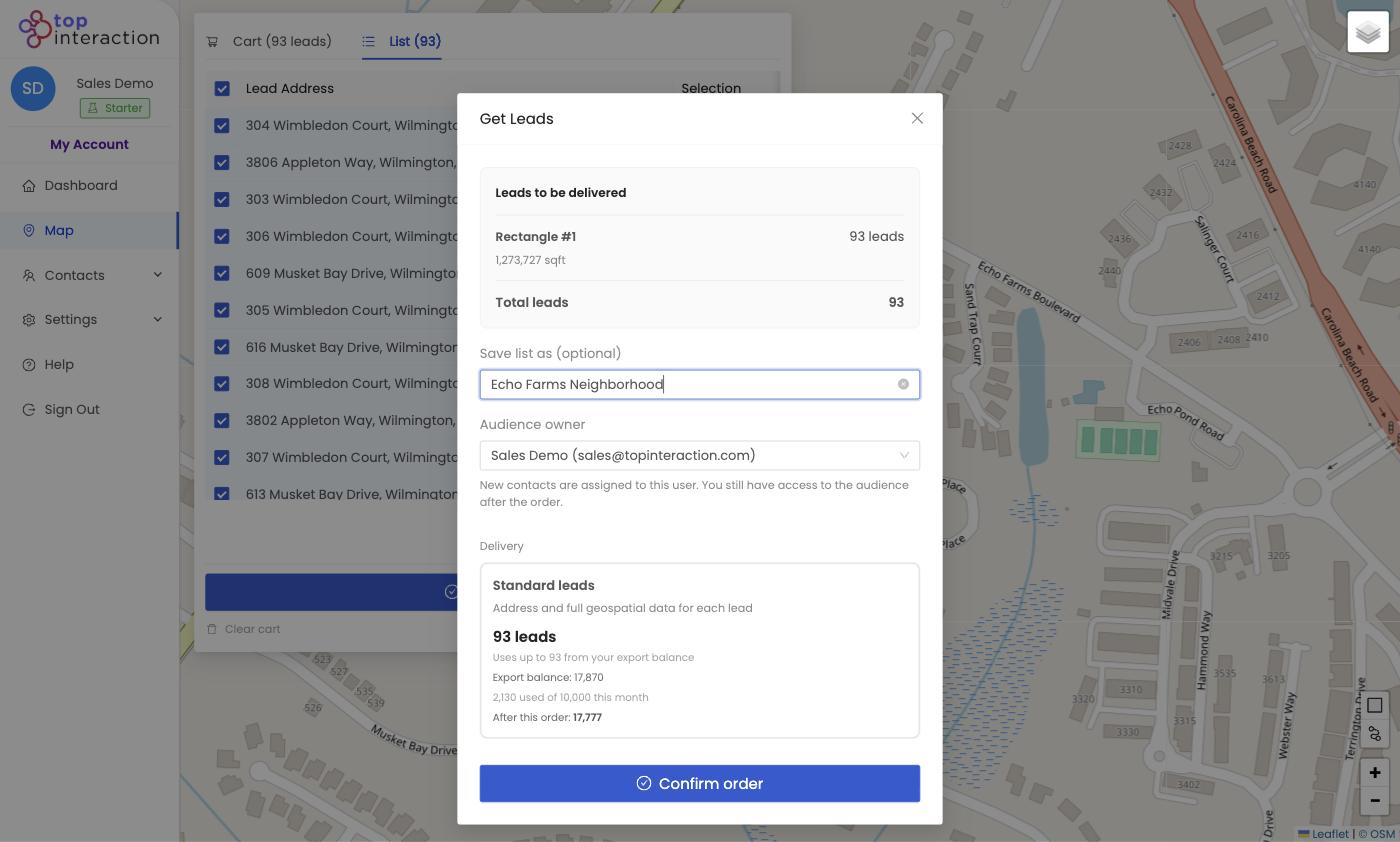
- Name it with the storm/date (e.g. “June 12 hail — Echo Farms”) and Get Leads.
- Split the list among reps and canvass immediately while urgency is high.
See it in action
FAQ
Why polygon instead of rectangle for storms?
Damage follows an irregular path. Polygon lets you match the actual swath instead of grabbing unaffected blocks.
How fast can I get a list out?
Minutes — search, trace, pull. That speed is the whole advantage after a storm.
Can I layer this over existing territories?
Yes — a storm zone is just another saved audience; assign it to whoever’s available to respond.
