

Roofing Contractors
Build homeowner campaigns around current jobs, storm areas, and canvassing territories.
- Neighborhood saturation
- Storm-response lists
- Sales-rep territories
- New-market prospecting
FROM MAP TO OUTREACH IN MINUTES
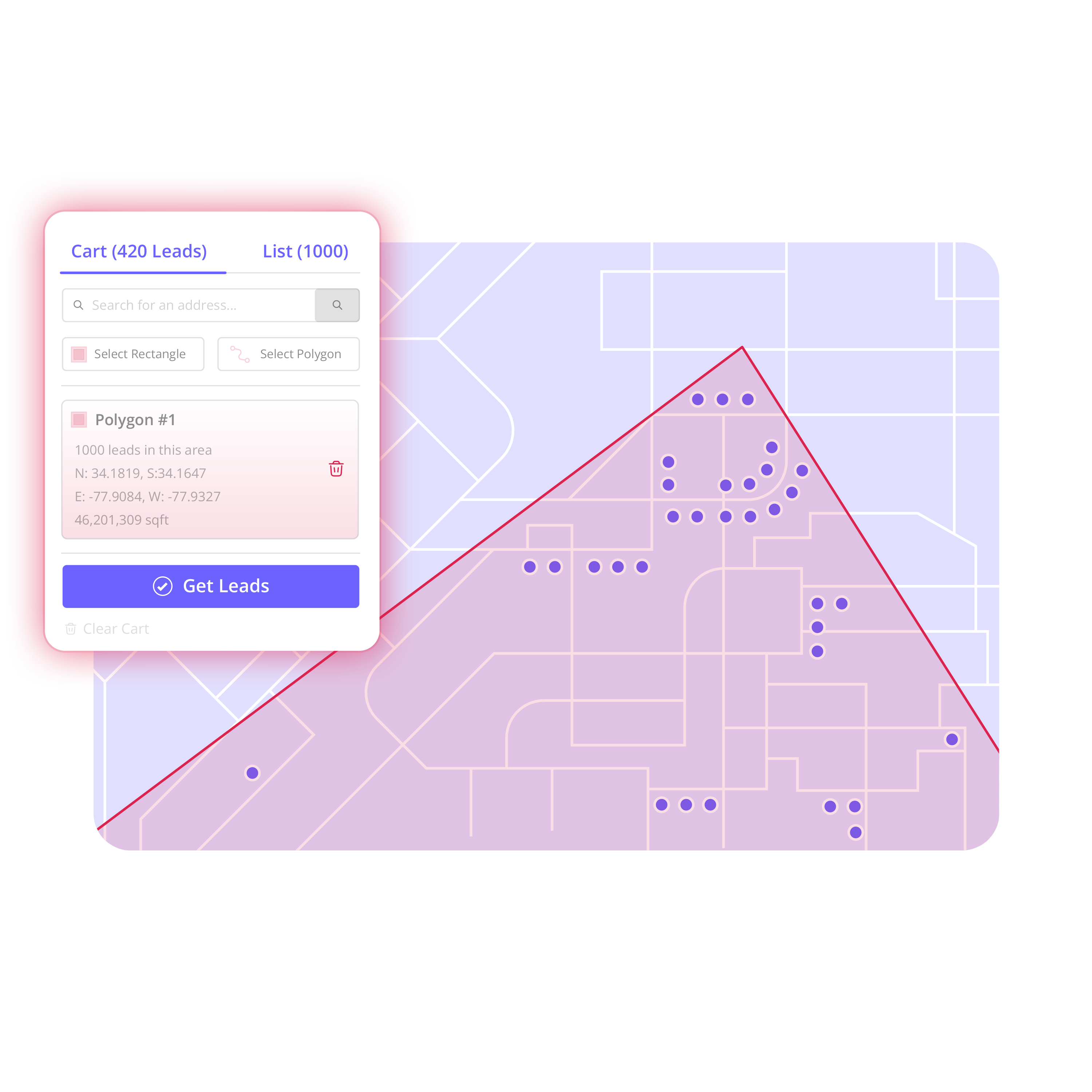
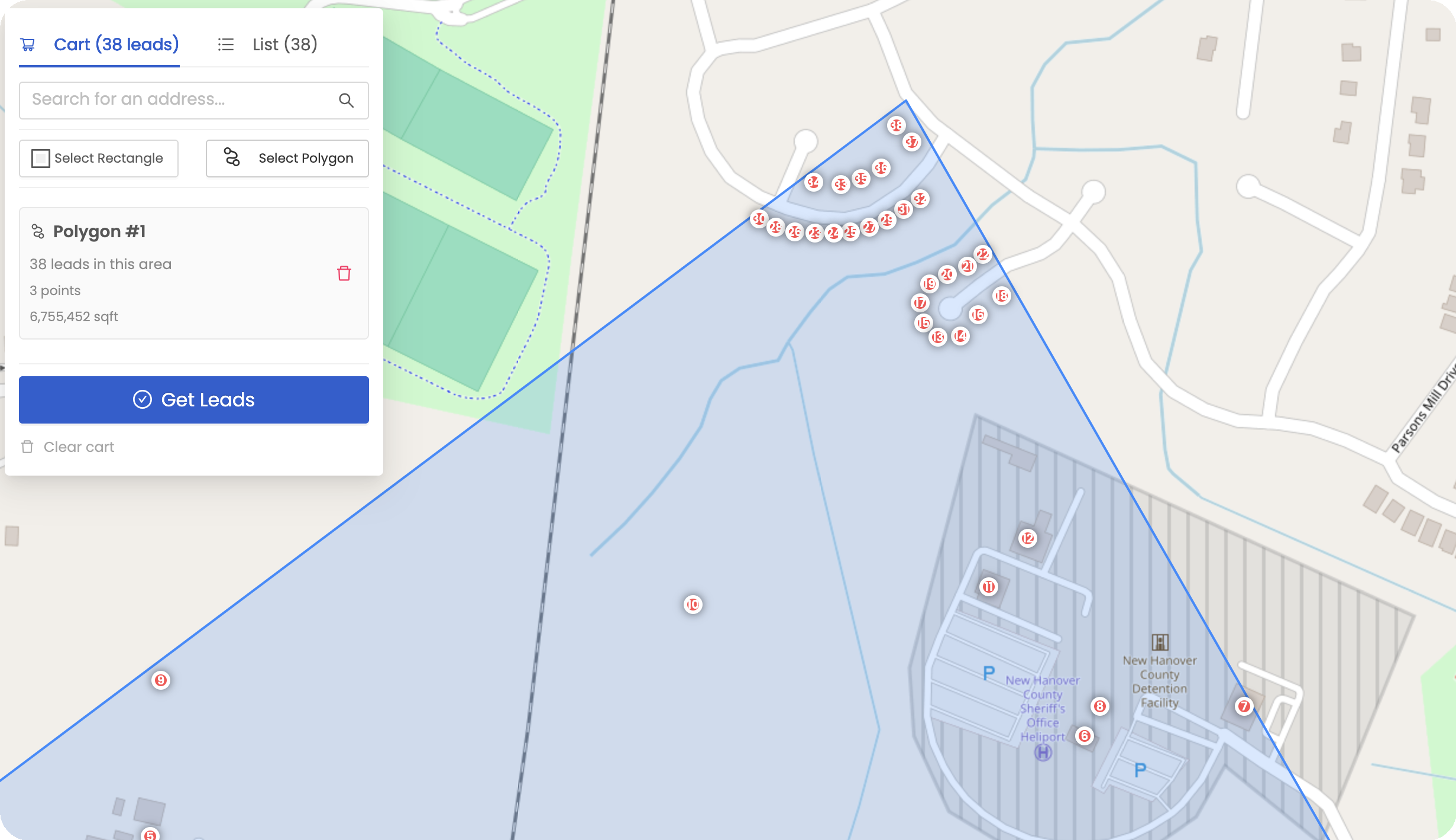
Draw any neighborhood, service area, or sales territory on the map. Build the contact list, enrich the records you need, organize your outreach, and export when you're ready.
From territory to campaign in minutes.
 Territory-first prospecting
Stop starting with somebody else's generic list.
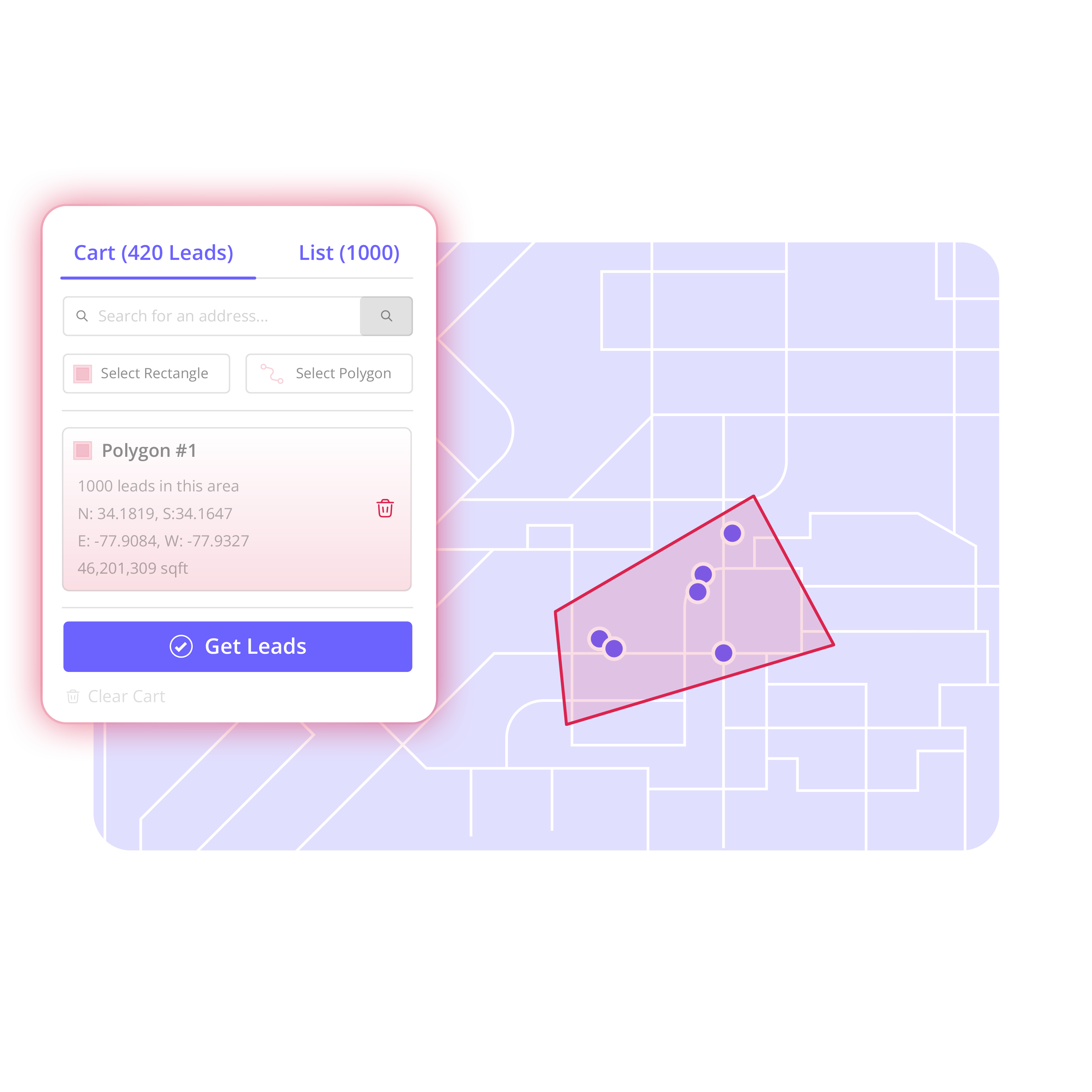
Choose the exact neighborhood, service area, or market you want to pursue and build your prospect list around it.
 Core workflow
Choose the area → build the list → enrich → organize → export.
Search an address, city, neighborhood, ZIP code, or service area and draw the exact geographic boundary you want to target.

Review the available properties and records within the selected territory.
Add available homeowner, resident, phone, email, or other contact information to the records that matter to your campaign.
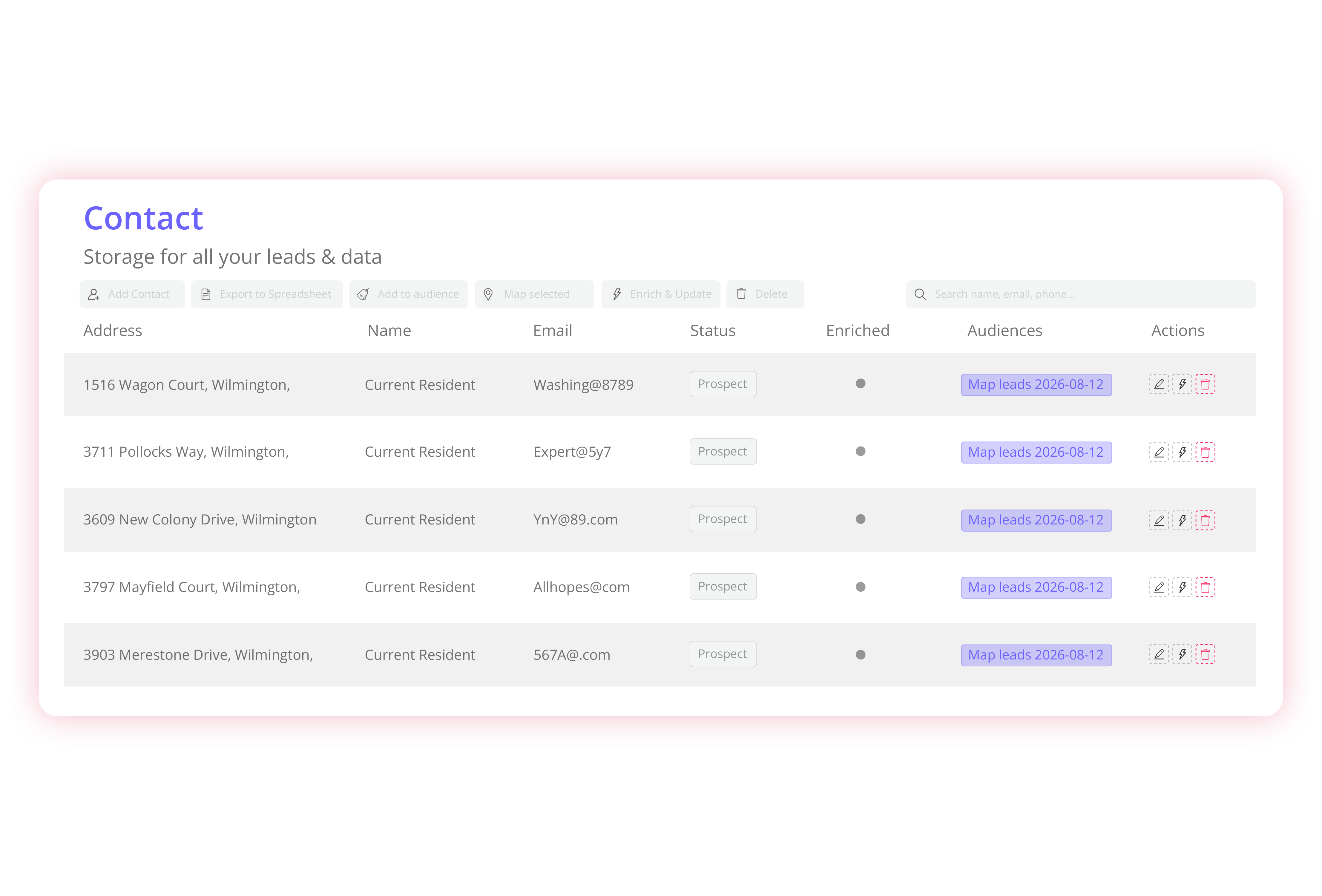
Use lists, tags, filters, statuses, and board stages to keep prospects organized.
Select the records you need and export a campaign-ready list for the tools and outreach channels your team already uses.
Campaign-ready data
Raw property data creates more work. Territory is designed to take you from a geographic area to an organized, usable prospect list without spending the afternoon cleaning spreadsheets.
Choose exactly where you want to prospect.
Turn properties in that area into organized records.
Add available contact information where you need it.
Deduplicate, organize, filter, and export the contacts you're ready to use.
Built for contractors & home-service sales teams
One workflow for geographic prospecting—whether you knock doors, canvass after a storm, or build acquisition lists.
Build homeowner campaigns around current jobs, storm areas, and canvassing territories.
Turn canvassing areas into organized homeowner prospect lists.
Build homeowner campaigns around the service areas you want to grow.
Turn target neighborhoods into organized property-owner acquisition lists.
Also useful for property management, windows and doors, landscaping, insurance, mortgage teams, and other location-based sales organizations.
Roofing prospecting example
Your crew is already working in the neighborhood. Draw the surrounding streets, create the homeowner list, enrich the records you want, assign the campaign, and export it for outreach.
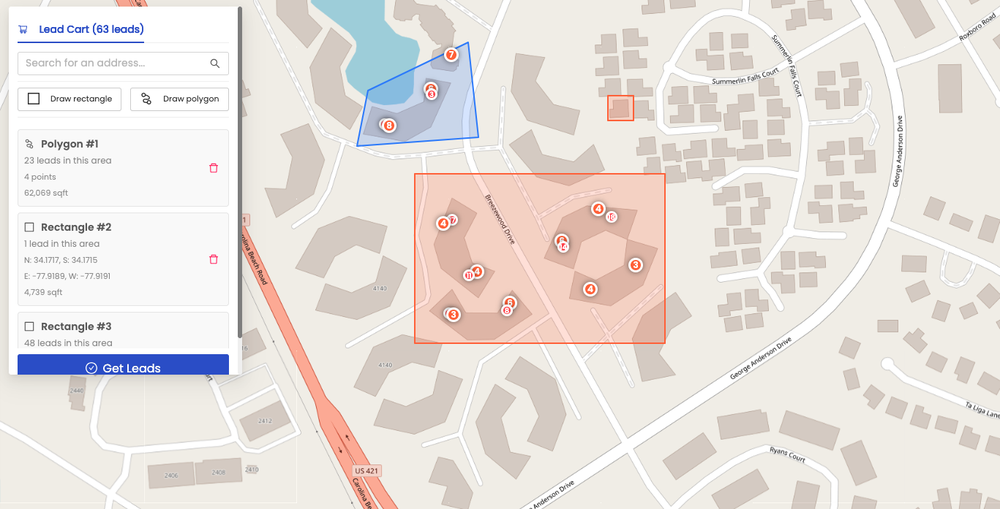
The opportunity is nearby—but without a territory, the next campaign stays unplanned.
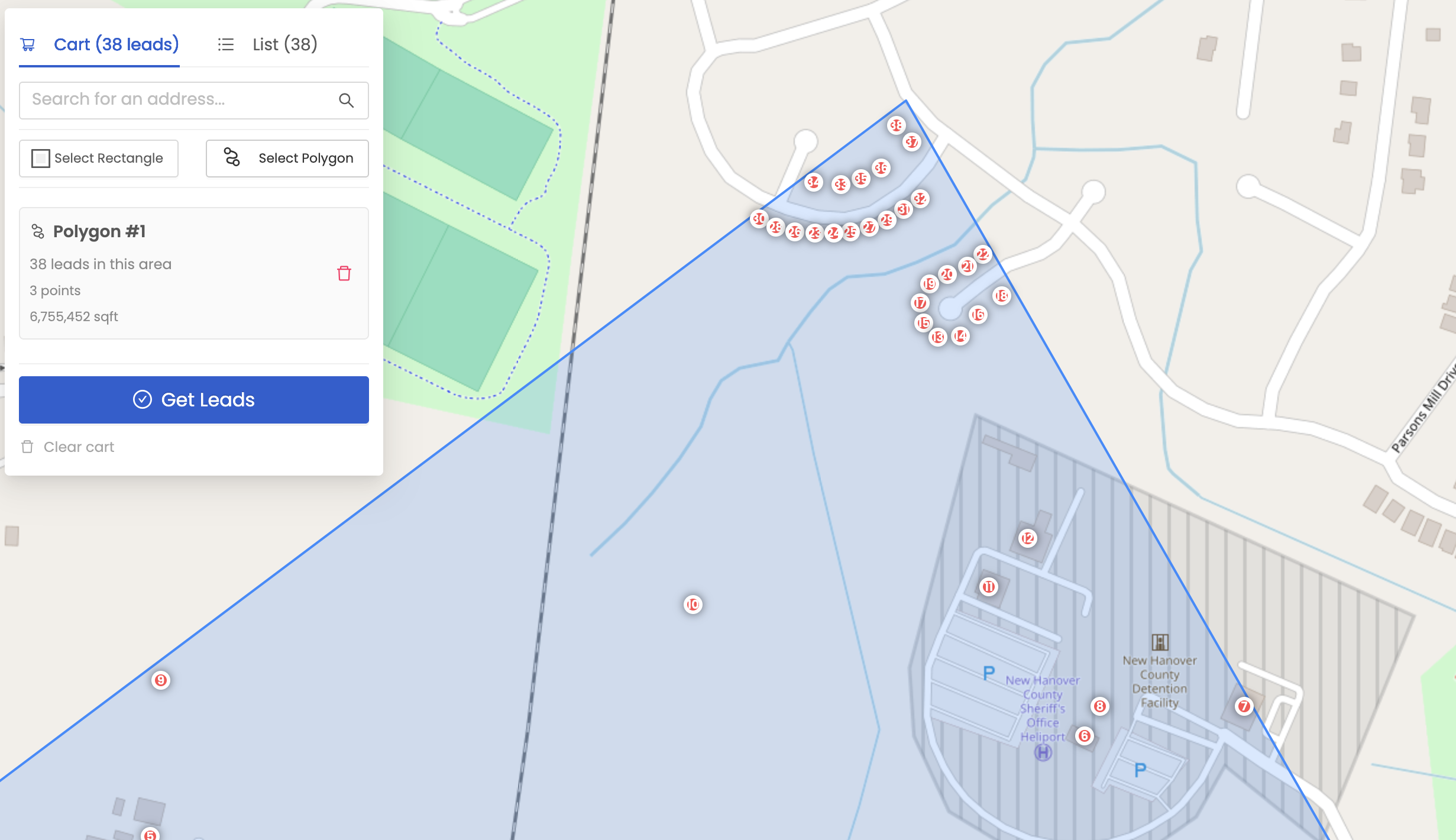
Draw the area, build the list, enrich what matters, and export a campaign-ready neighborhood list.
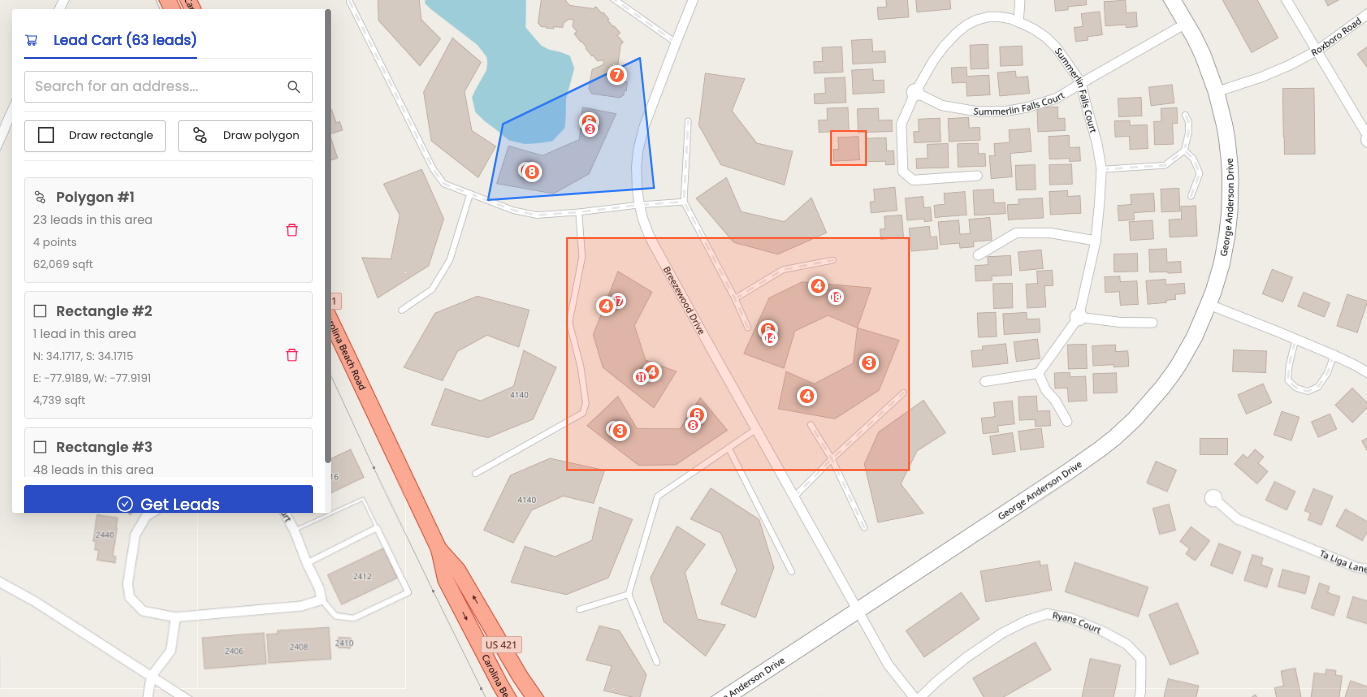 Map vs spreadsheet
Same prospects. A much clearer way to work them.
Contact management
Prospect organization without pretending to be a full CRM—lists and boards that keep follow-up clear.
Search, filter, tag, select, and export. Use it when you need to work with contact data at scale.
Move prospects through your workflow. Keep track of New, Prospect, Contacted, Qualified, Open, or Disqualified records without maintaining another spreadsheet.
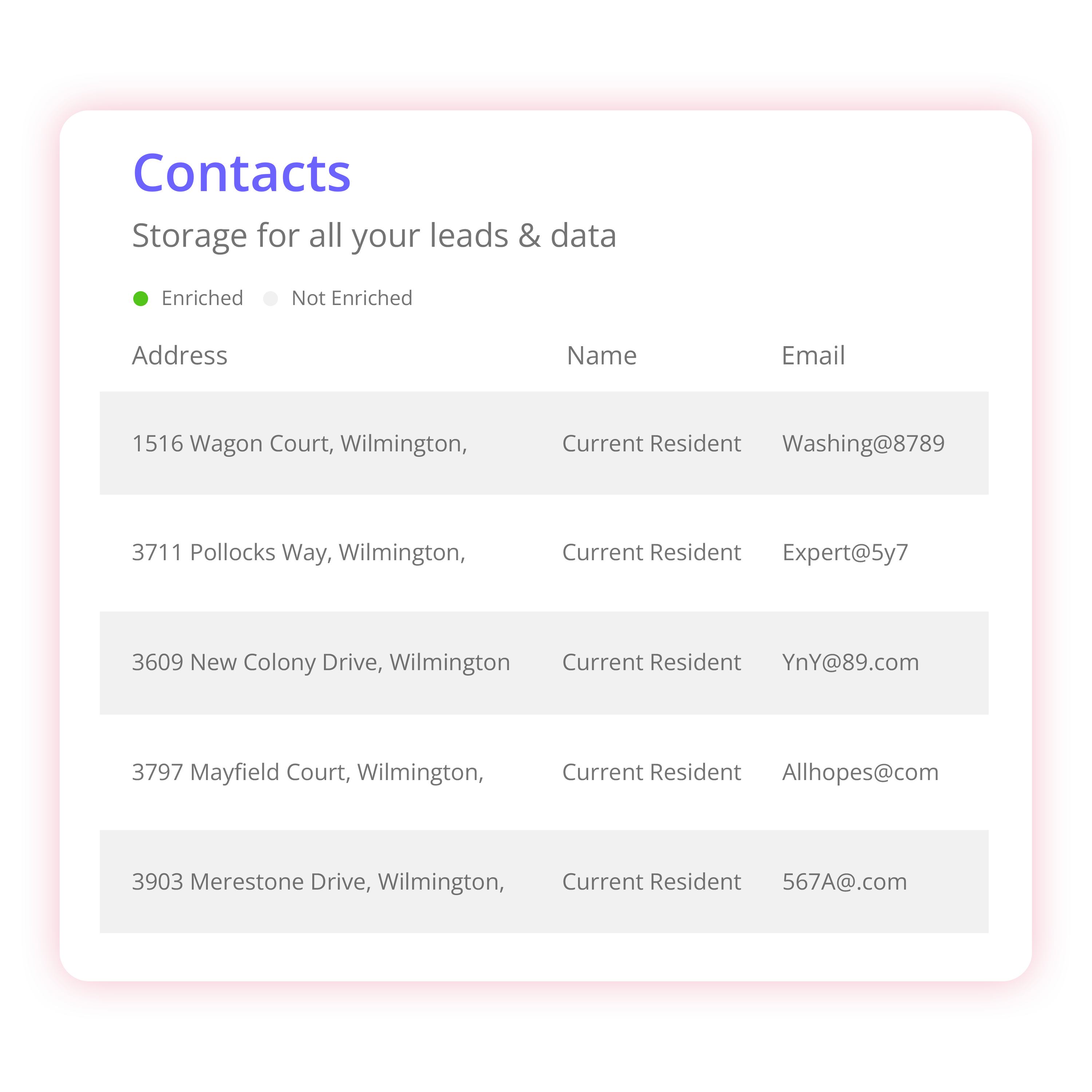 Contact enrichment
A property address is often only the beginning. Enrich selected records with available homeowner and contact information, then keep the resulting data connected to the territory and campaign where it originated.
Use credits on the records that matter instead of automatically paying to enrich everything.
Enriched information stays connected to the original contact record.
Take the contacts you need into your existing campaign or sales workflow.
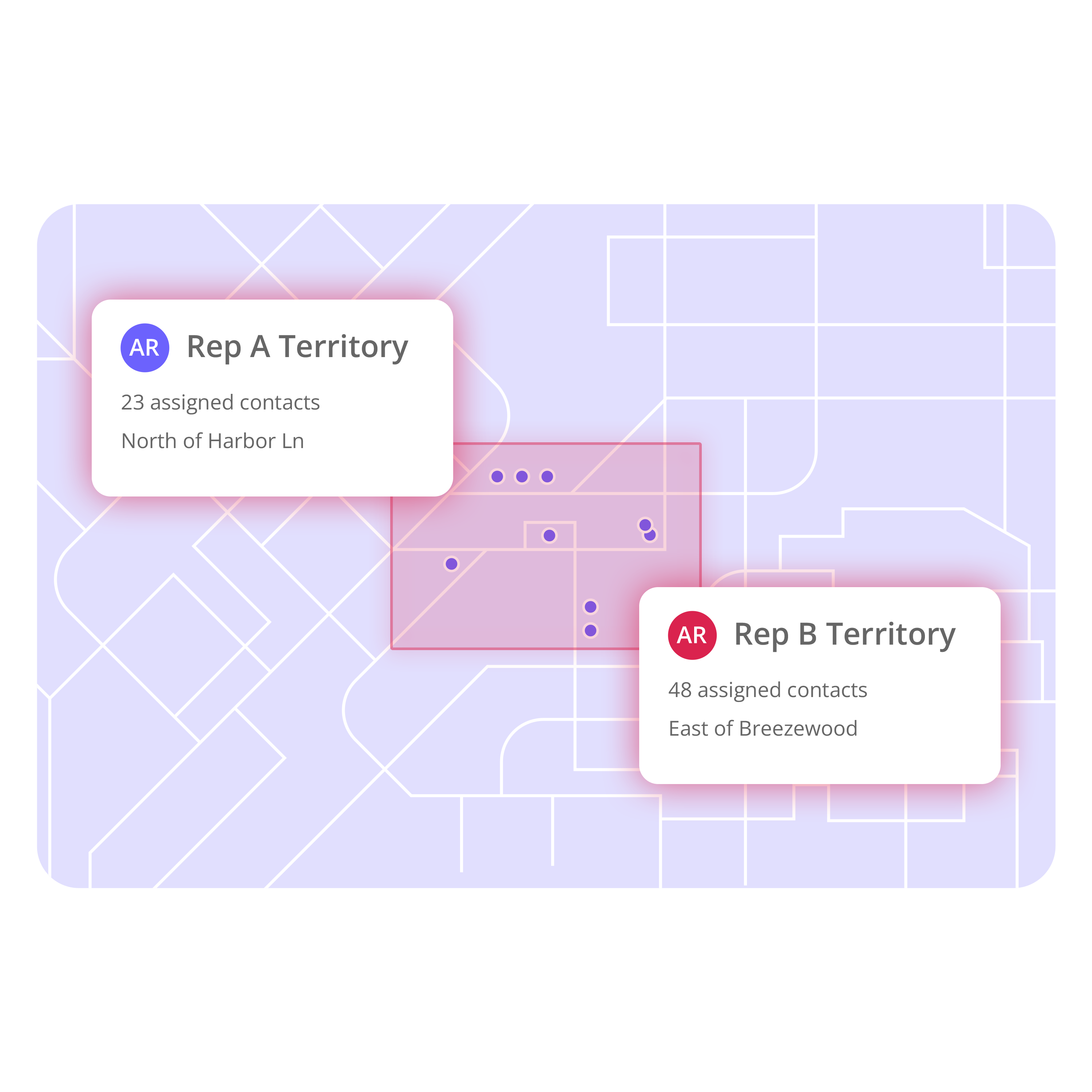 Sales territories
When everyone sees the same territory and prospect data, teams spend less time figuring out where to work and more time working the campaign.
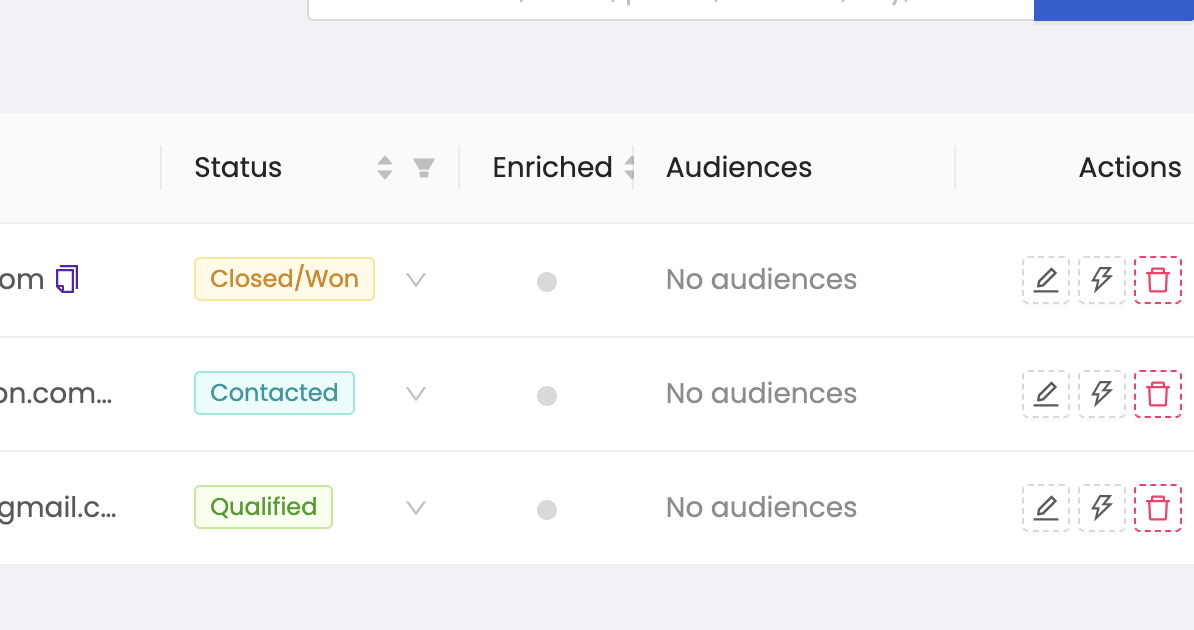 CSV exports
Filter and export your homeowner or prospect list to CSV so the data can move into the CRM, canvassing platform, mail workflow, or sales process your team already uses.
Export-ready contacts for the outreach channels your team already runs.
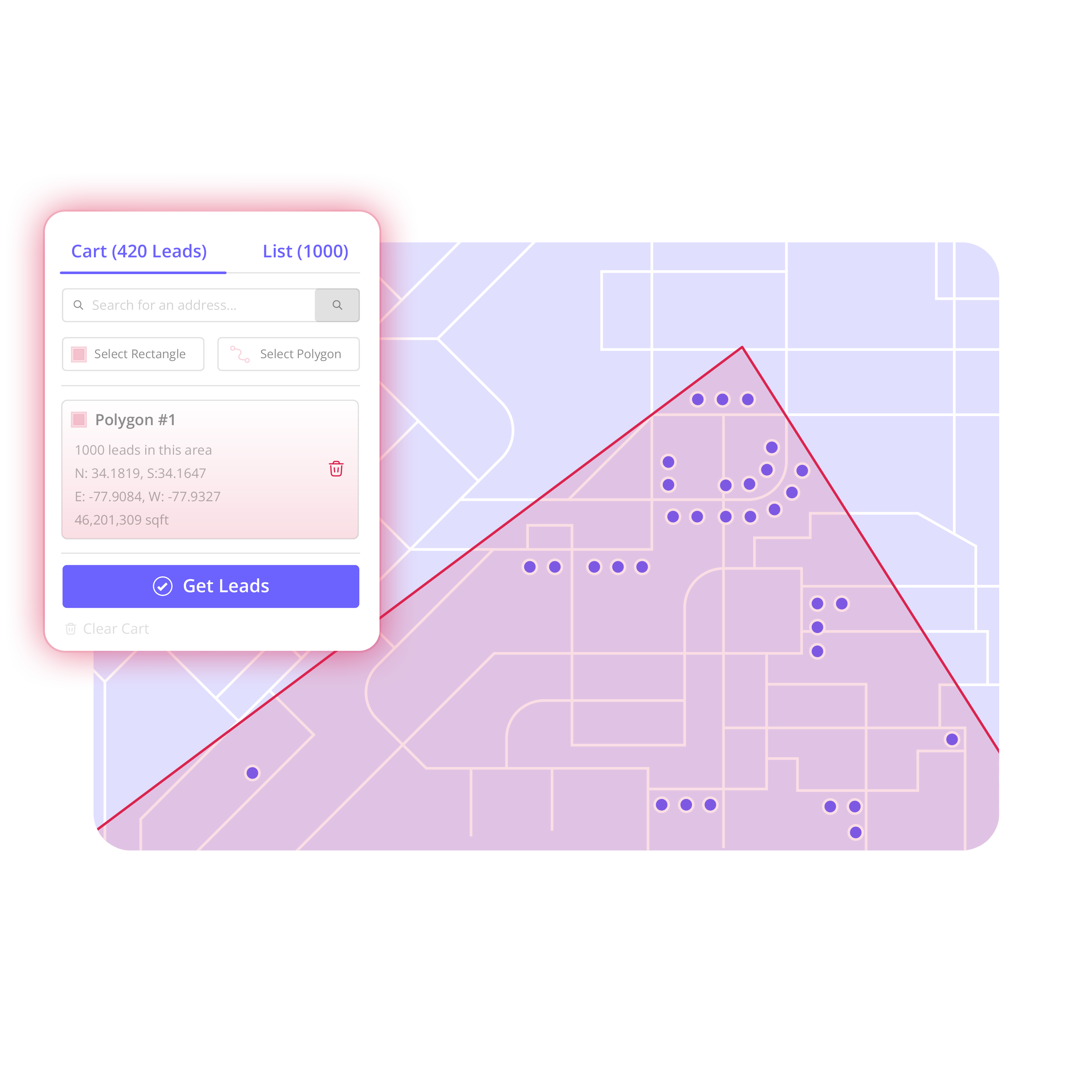 From map to outreach
From Map to Outreach: Build a Prospect List From Any Territory
Watch the workflow: search a market, draw the territory, review properties, add contacts, enrich, move through the board, and export the list.
Build Your First Territory
Territory-based campaigns
The same map-to-list process supports roofing prospecting, solar canvassing, HVAC outreach, investor acquisition, and more.
Build homeowner lists around jobs, storm areas, and sales territories.
Create and organize homeowner lists around rep territories.
Build neighborhood lists for seasonal and replacement outreach.
Create property-owner prospect lists around target neighborhoods.
Identify and organize property owners in markets you want to grow.
Build homeowner lists around neighborhoods suited for higher-value services.
FAQ
Common questions about turning geographic territories into organized prospect and contact lists.
Build Your First TerritoryTerritory prospecting software helps businesses identify and organize potential customers within a specific geographic area.
Yes. Territory lets you select a geographic area and turn the available properties and contacts inside it into an organized prospect list.
Search for the neighborhood, draw the territory, review the available properties, save the records, and enrich the contacts you want to use.
Contact enrichment adds available information—such as names, phone numbers, emails, or property details—to an existing contact record.
No. You can choose which contacts to enrich.
Yes. Lists can be exported according to the allowances associated with your account.
Yes. You can select custom geographic areas rather than relying only on predefined geographic boundaries.
Multi-seat plans allow teams to work from shared contact and territory information.
Territory includes lightweight contact organization and pipeline tools, but its primary purpose is turning geographic territories into organized prospect lists rather than replacing a full sales CRM.
Territory is designed primarily for businesses that prospect geographically, including roofing, solar, HVAC and home-service companies, real estate investors, property managers, and other territory-based sales teams.

Choose the area.
Build the contact list.
Enrich what matters.
Organize the outreach.
Export when you're ready.
From territory to campaign in minutes.
Build Your First Territory